Latest posts
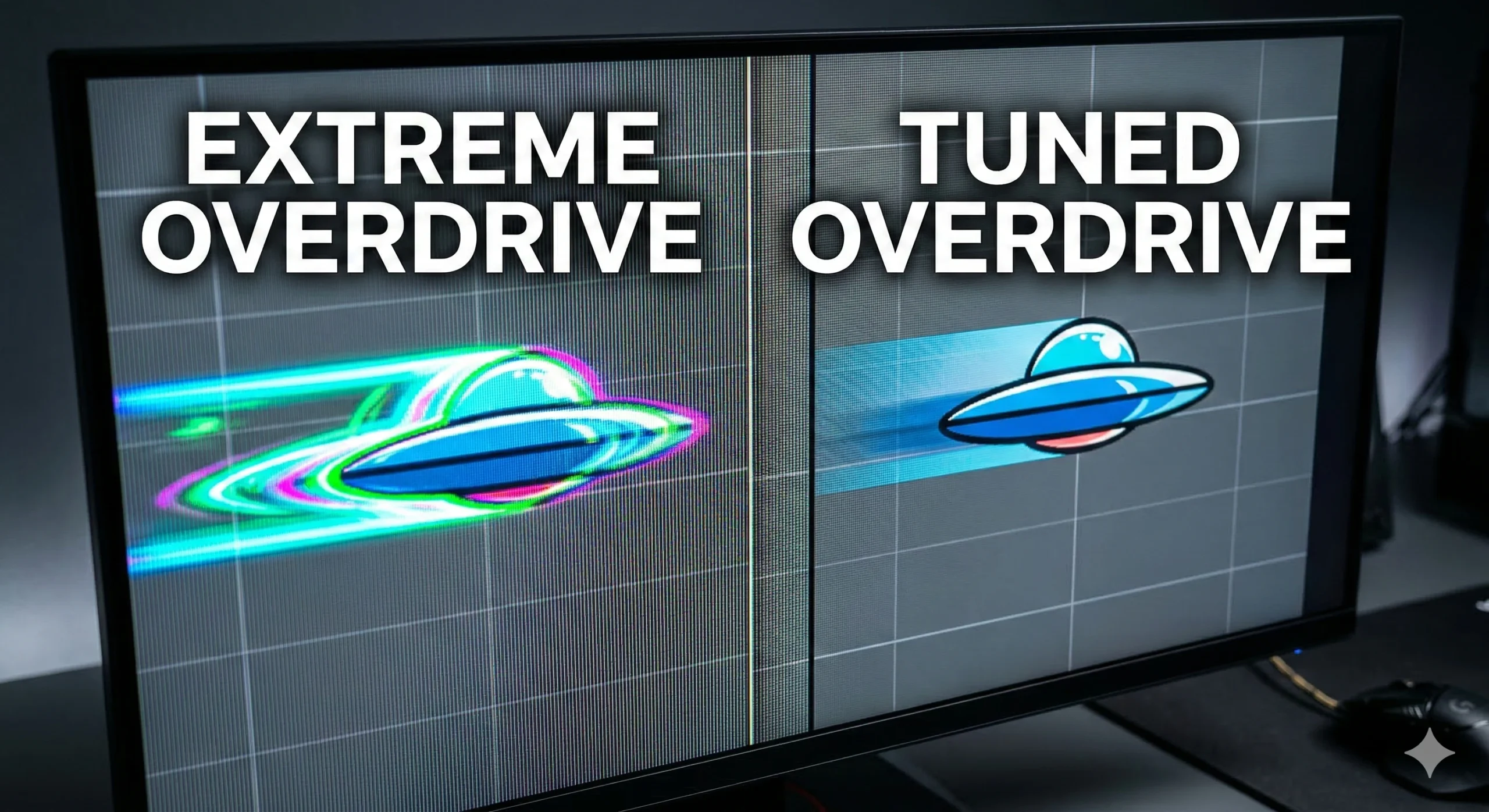
The “1ms Response Time” Lie: How to Actually Tune Your Gaming Monitor (2026)

1ms response time: You just dropped $500 on a brand new, top-of-the-line 240Hz OLED or Fast-IPS gaming monitor. Right there on the box, printed in massive reflective lettering, is the holy grail of competitive gaming: 1ms Response Time. You plug it in, boot up Valorant or CS2, and immediately open the monitor’s On-Screen Display (OSD).
Stop CPU Core Parking: How to Unlock Ultimate Performance Windows 11 (Free Tool)
Unlock Ultimate Performance Windows 11: You have optimized your game settings. You have updated your NVIDIA or AMD drivers. You even closed your 40 open Chrome tabs. But when you load into a match, you still feel it: that microscopic, infuriating stutter when you flick your mouse. Your hardware isn’t weak. Your operating system is
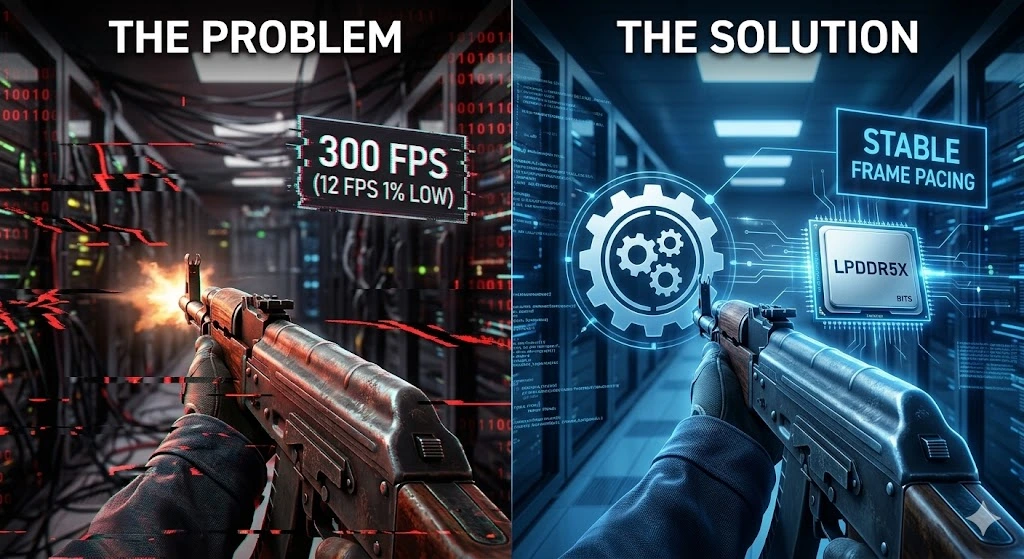
How to Fix Stutters with Process Lasso: CS2 (2026 Guide)

Process Lasso CS2 2026: Let’s talk about the most frustrating phenomenon in competitive tactical shooters: The 300 FPS Stutter. You check your telemetry. Your average framerate is sitting at a comfortable 350 FPS. Your ping is 15ms. But the moment an enemy swings wide on Mirage, or a smoke grenade blooms, your crosshair drags. The
Is Process Lasso Safe? The Truth About Bans, Viruses, and System Stability (2026 Review)
Is Process Lasso Safe? You’ve seen the benchmarks. You’ve read our guides on how Process Lasso can fix micro-stutters and optimize your CPU for competitive gaming. You are ready to install it. But then, you pause. You see a random forum comment from 2019 saying it caused a Blue Screen of Death (BSOD). You see
Stop Using Game Boosters: Why Process Lasso is the Only Tool You Need (2026 Guide)
Process Lasso vs Game Boosters: If you search for “how to boost FPS” on YouTube, you will inevitably be told to download a “Game Booster.” Whether it’s Razer Cortex, MSI Center, or some random “FPS_Booster_v4.exe” from a Discord server, the promise is always the same: Click one button, and your PC will magically transform into
How to Uncap Roblox FPS (2026): Fix Lag & Win in Steal a Brainrot

Uncap Roblox FPS 2026: If you’ve logged into Roblox recently, you know the landscape has changed. The platform isn’t just for hangouts and showcases anymore. In 2026, Roblox is home to some of the most intense, high-stakes competitive gaming on the internet. Right now, nothing exemplifies this more than the absolute juggernaut that is “Steal
Zero-Cost Performance: The Definitive Free Gaming PC Optimization Guide (2026)
Free Gaming PC Optimization Welcome to 2026. Gaming has never looked better, thanks to Unreal Engine 5.x maturation and path tracing becoming mainstream. But let’s be honest: the hardware requirements to run these titles are brutal. If you bought a mid-to-high-end PC three years ago, you’re likely starting to feel the pinch. You might be
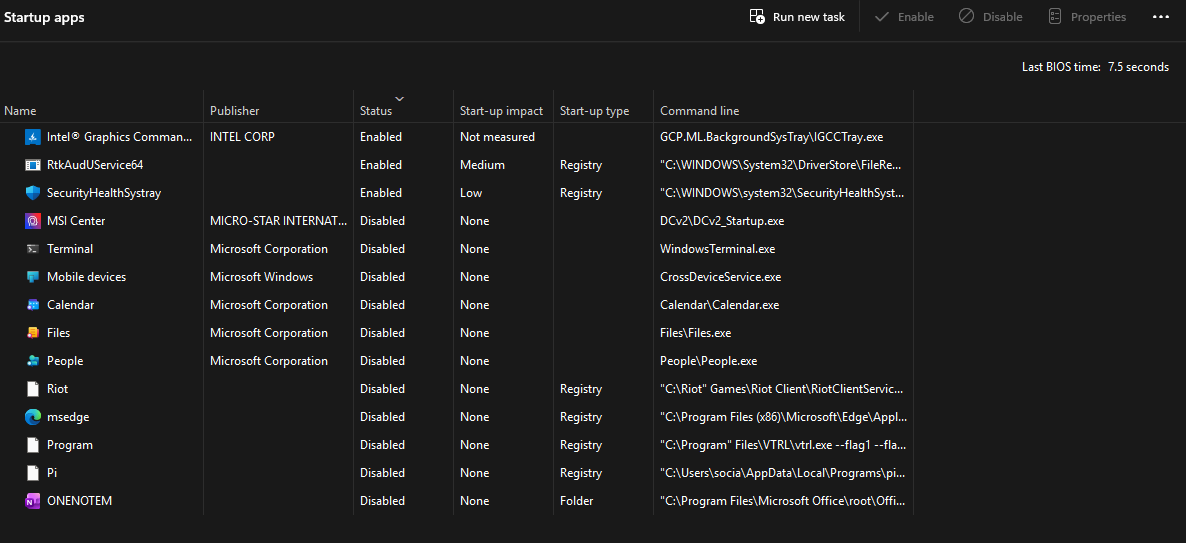
Startup Optimization (2026): Reduce Boot Time on Windows 10/11 (Safe Step‑by‑Step)

Startup Optimization: A slow PC boot wastes time every day. Whether your computer takes ages to reach the desktop, stays on a black screen after the logo, or feels “frozen” during login, you usually don’t need a reinstall. In most cases, smart startup optimization removes the real bottlenecks: unnecessary startup apps, background services, slow storage,
Increase FPS on Windows 11 (2026): The Ultimate Gaming FPS Boost Guide (Max Performance, Less Stutter)

Increase FPS on Windows 11 Introduction Increasing FPS on Windows 11 isn’t just about lowering graphics settings—real performance comes from stable frame times, fewer background interruptions, correct GPU/CPU power behavior, and smart in‑game tuning. If your PC “should run games fine” but you still get stutter, low 1% lows, or random frame drops, this guide
Speed up Windows 11 boot (2026 Guide): Cut Startup Time, Fix Slow Login, and Get a Faster PC

Speed up Windows 11 boot Introduction Speeding up Windows 11 boot is one of the easiest ways to make your PC feel “new” again—because even if your system is powerful, a slow startup ruins the experience. If your laptop takes forever to reach the desktop, or your desktop loads quickly but becomes sluggish for 5–10