Latest posts
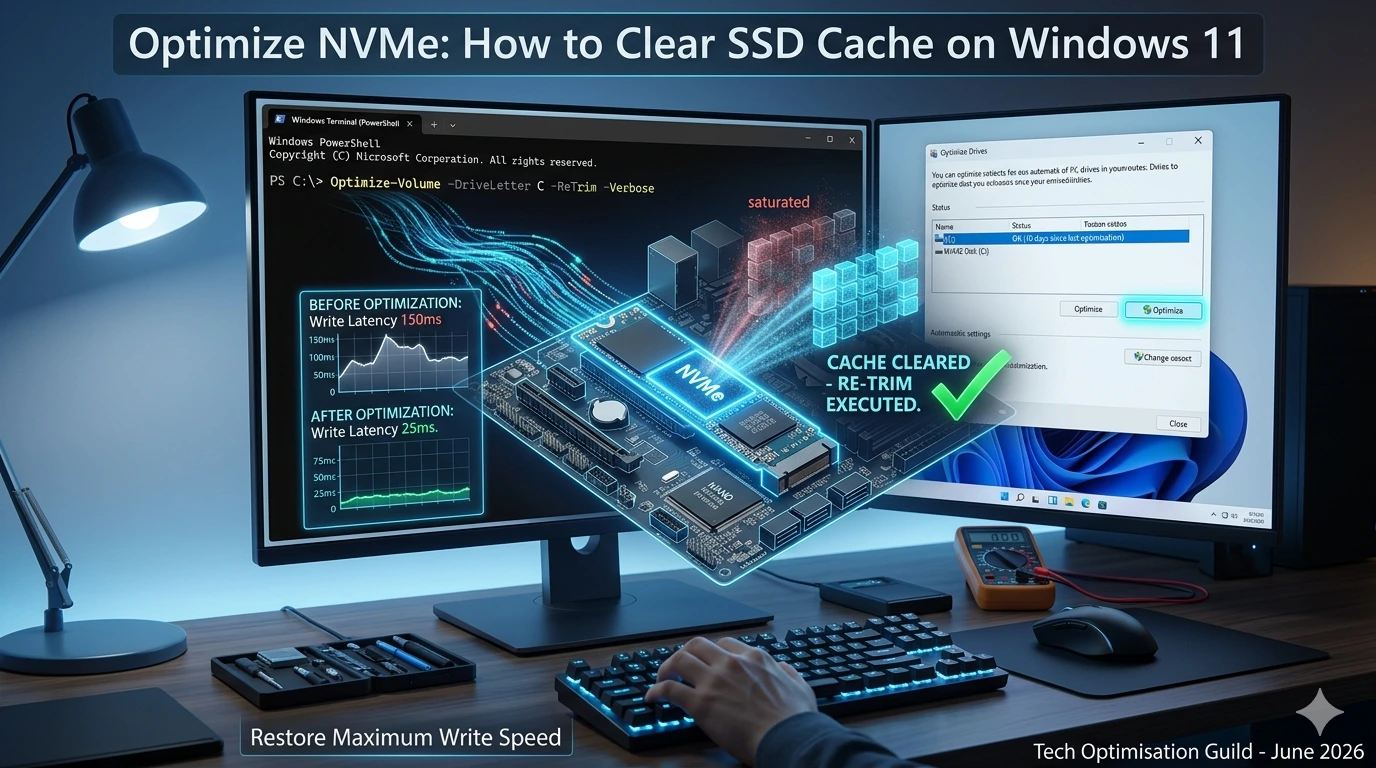
How to Clear NVMe SSD Cache Windows 11: Restore Maximum Speed

How to Clear NVMe SSD Cache Windows 11: NVMe (Non-Volatile Memory express) M.2 SSDs have revolutionized storage performance, offering speeds that dwarf traditional SATA-based drives. However, even the fastest silicon is susceptible to performance degradation over time. If you notice your NVMe drive’s sequential write speeds dropping significantly during large file transfers, or if your
Network Optimization: The Ultimate Guide to Improving PC Speed and Stability in 2026
Network Optimisation: In 2026, whether you are coding complex multi-threaded applications, competing in high-stakes online gaming, or streaming high-fidelity media, network stability is just as critical as raw hardware performance. A high-speed internet plan often fails to deliver its full potential due to poor network configuration, interference, or suboptimal software settings. Network optimization is the
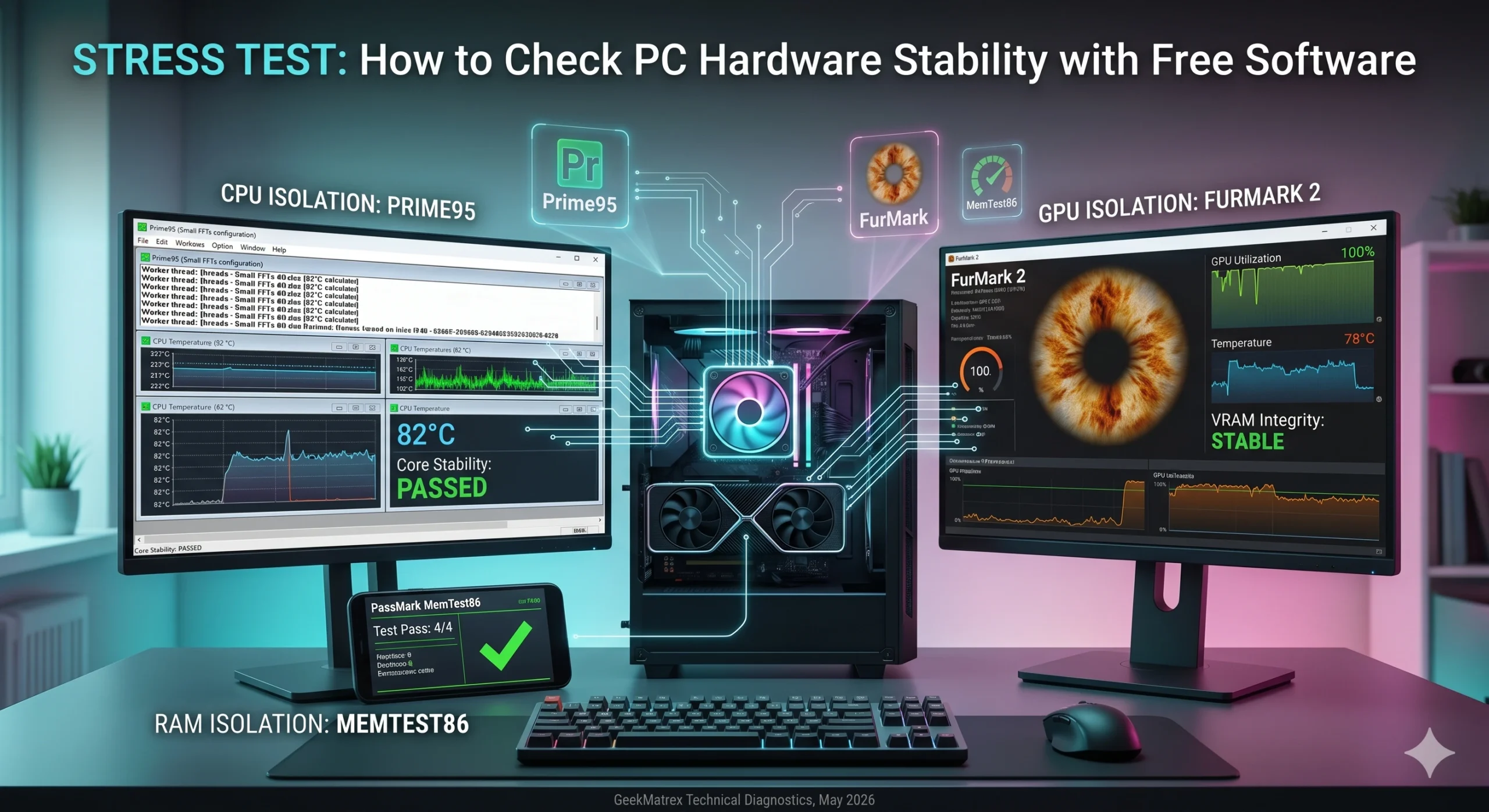
Stress Test: How to Check PC Hardware Stability with Free Software 2026

Stress Test: Building a custom desktop PC, replacing aged thermal paste, or troubleshooting persistent Blue Screen of Death (BSOD) crashes all point to the same critical diagnostic bottleneck: you need to push your system to its absolute operational limits. A generic computer benchmark or a casual gaming session rarely stresses internal system architecture long enough
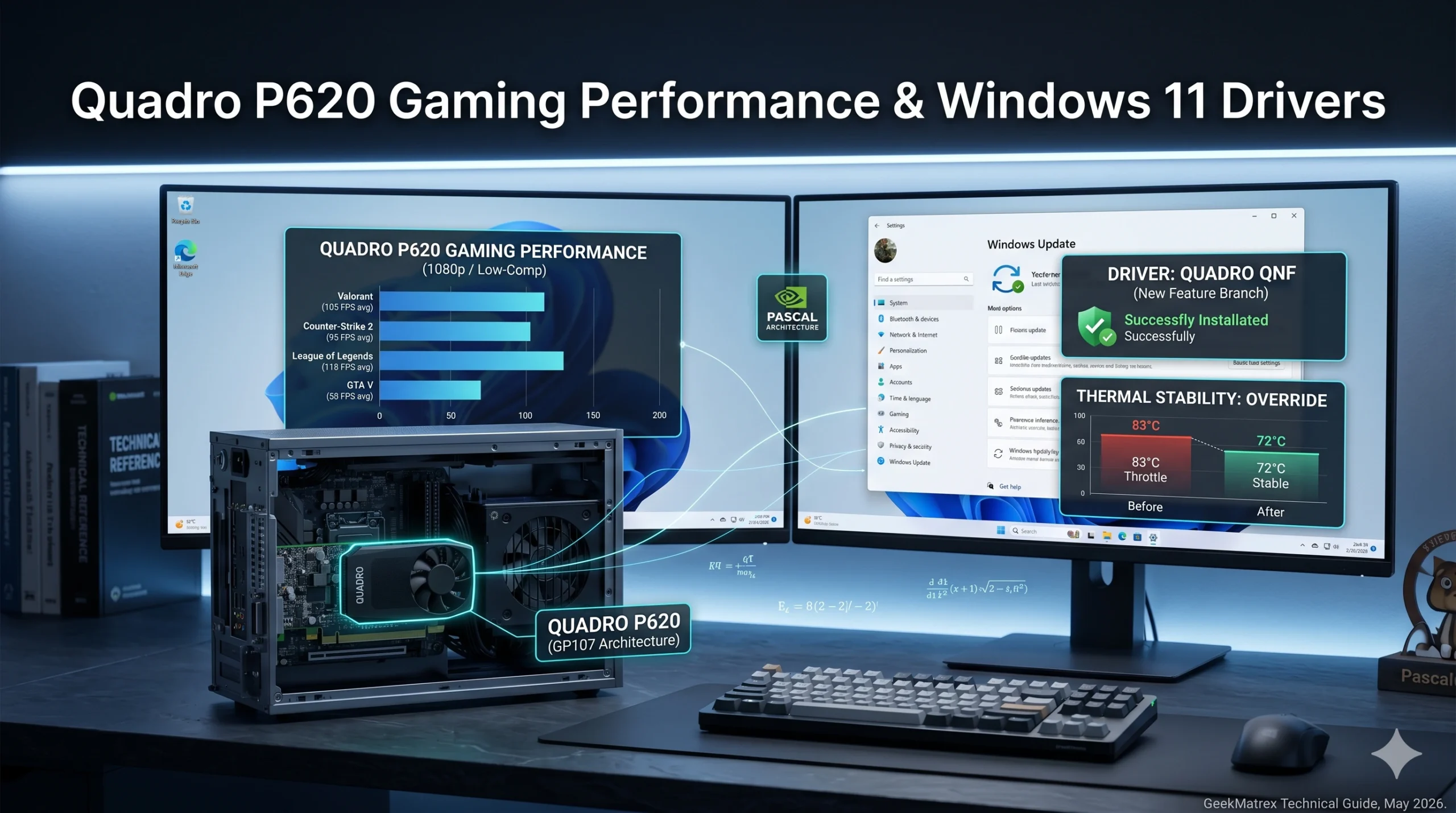
Quadro P620 Gaming Performance & Windows 11 Drivers: The Optimization Guide

Quadro P620 Gaming Performance & Windows 11 Drivers: When building a budget PC or repurposing an enterprise desktop, users frequently run into low-profile workstation graphics cards. Among the most common secondary-market finds is the NVIDIA Quadro P620. Engineered specifically for computer-aided design (CAD) and multi-display professional setups, the P620 isn’t explicitly marketed as a gaming
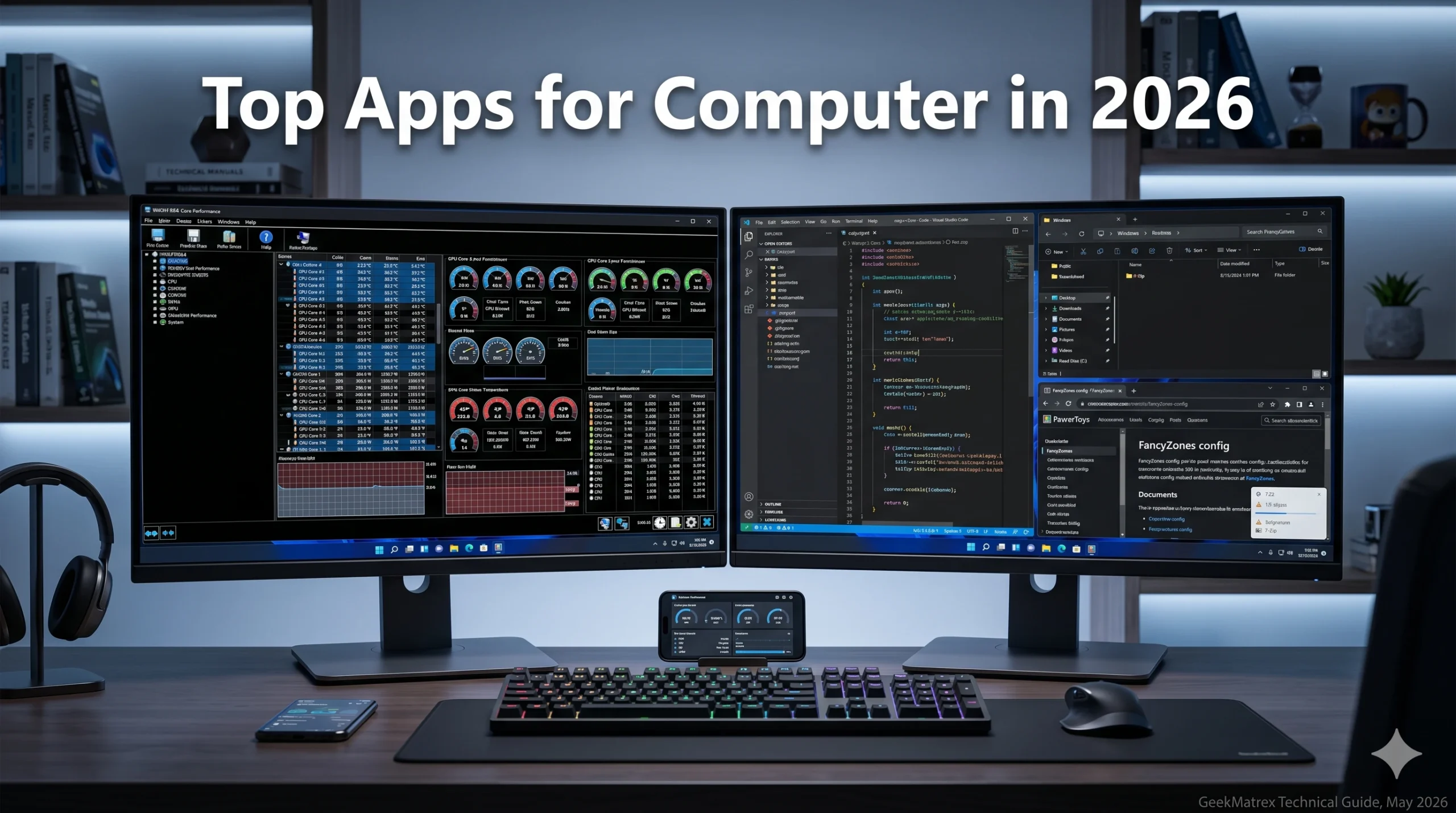
Apps for Computer: Top 10 Must-Have PC Software Programs for 2026
Apps for Computer: A brand-new operating system installation or a newly built PC is clean and fast, but it is fundamentally limited without the right software toolkit. To transform your desktop into an absolute powerhouse for coding, studying, or hardware optimization, you need the right applications running in the background. With dozens of utility programs
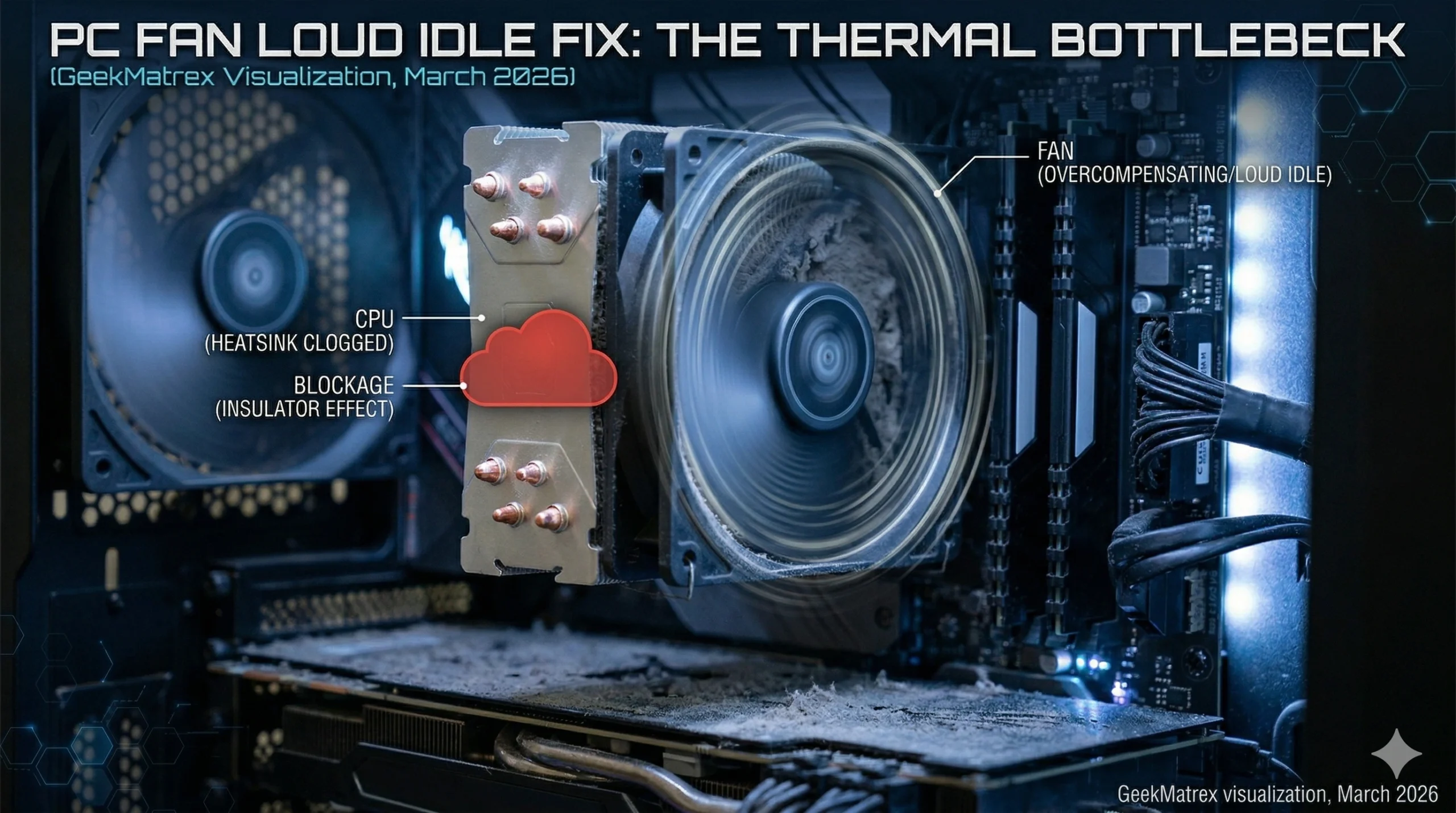
PC Fan Loud Idle Fix: 5 Data-Driven Steps to Silence Your Rig
PC Fan Loud Idle Fix: There is nothing more annoying than sitting at your desk trying to study or code in C++, only to have your PC sound like it’s preparing for takeoff. If your computer is just sitting on the desktop with no games running, it should be near-silent. If it isn’t, you have
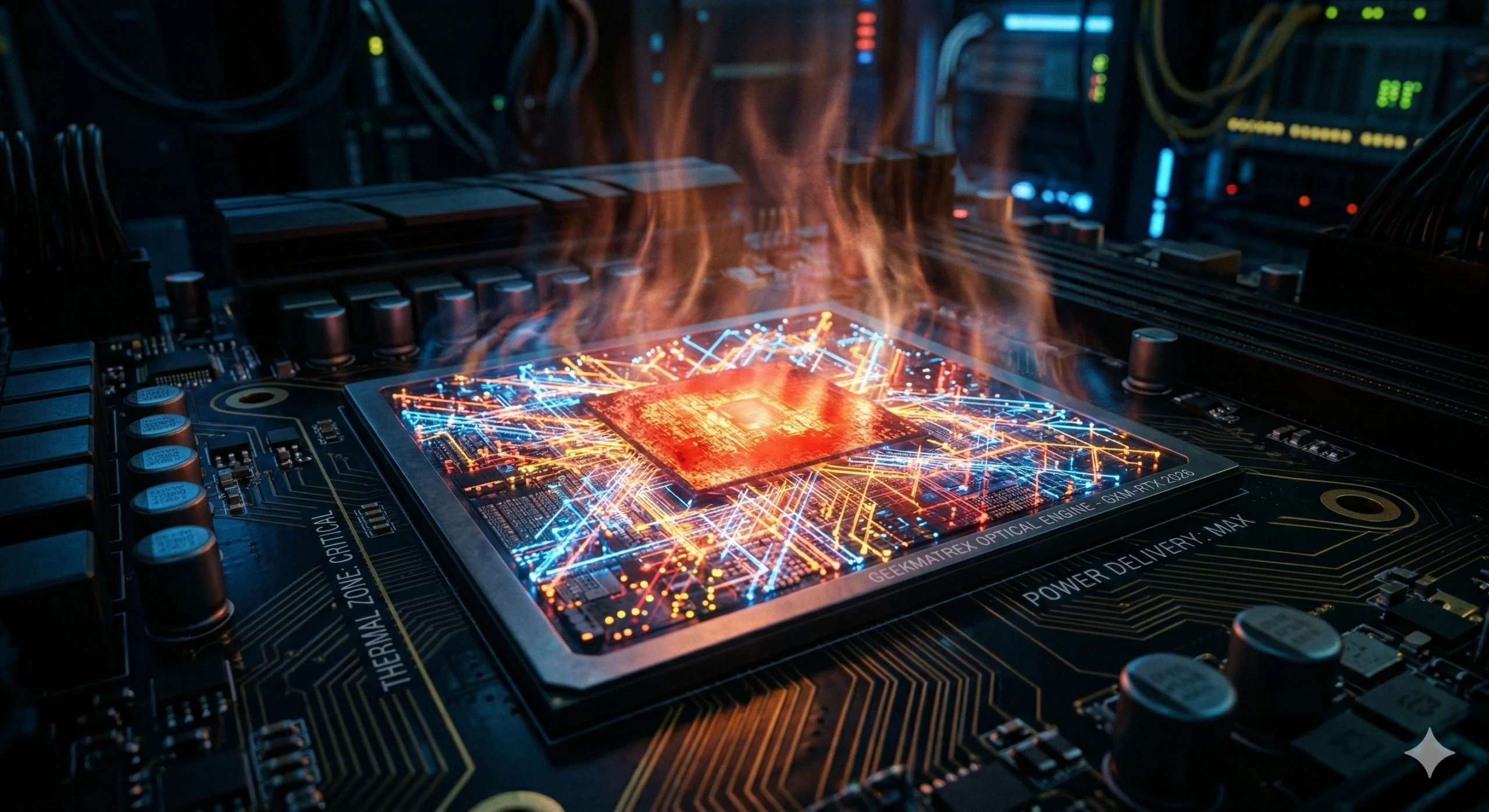
The Thermal Trap: The Applied Physics of Path Tracing GPU Temperature
Path tracing GPU temperature: You boot up a next-gen title like Cyberpunk 2077 or Alan Wake 2. You navigate to the graphics settings, take a deep breath, and toggle “Path Tracing” to ON. Instantly, two things happen. First, the game looks unbelievably photorealistic. Second, your PC’s fans ramp up to 3,000 RPM, your room gets
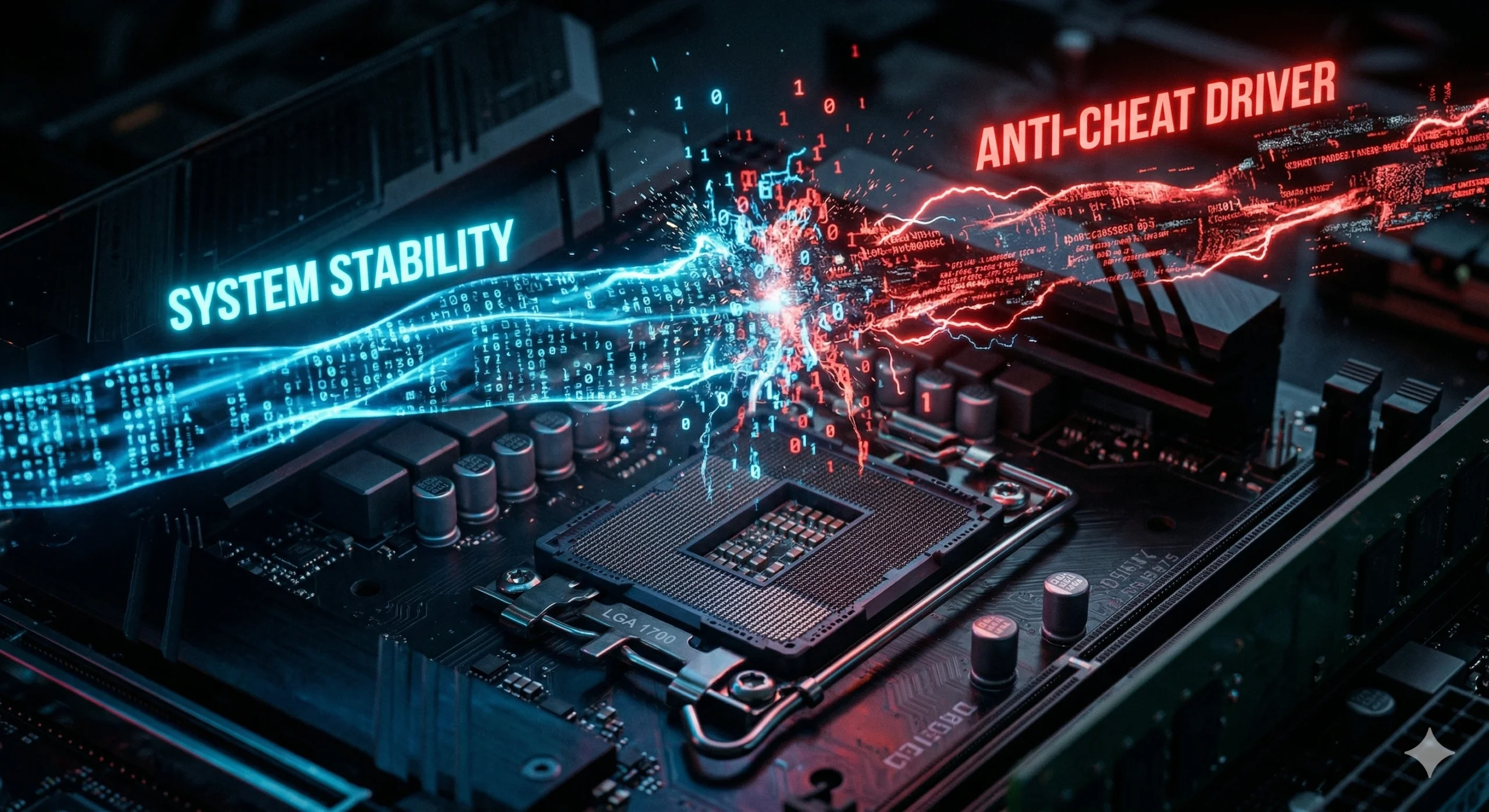
The Ring 0 Conflict: Kernel-Level Anti-Cheat Explained (and Why Your PC Crashes)
Kernel-level anti-cheat explained: If you have played a competitive multiplayer game in 2026, you have felt the frustration. You boot up Valorant, League of Legends, or Apex Legends, and your system instantly feels sluggish. Later, you are in the middle of a clutch round, and your entire PC freezes, giving you the dreaded Windows 11
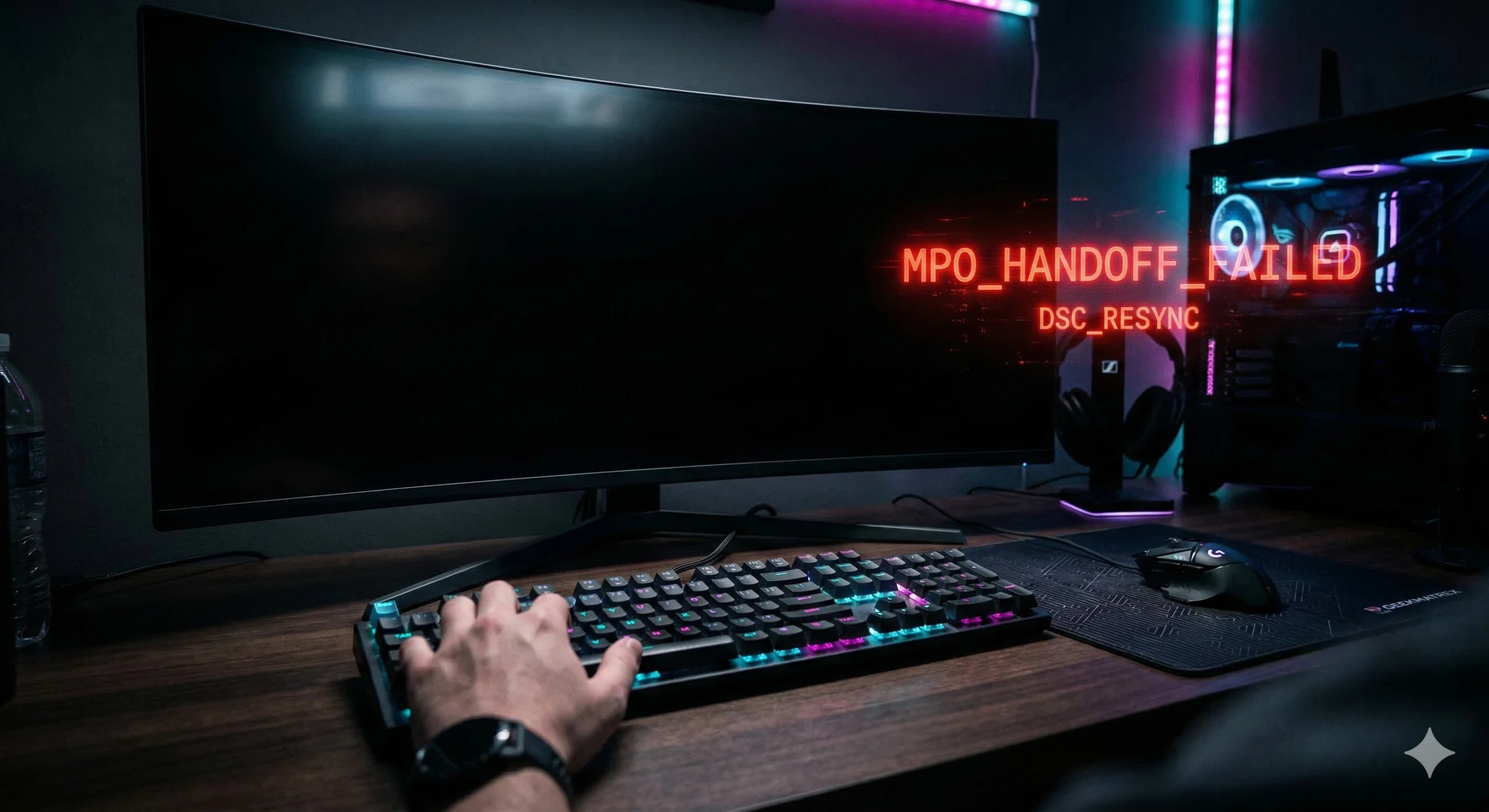
The 5-Second Black Screen: How to Fix Alt Tab Black Screen Delay in Windows 11
Alt tab black screen fix Windows 11: You are in the middle of a tense ranked match. You die, so you hit Alt-Tab to quickly check Discord or change your Spotify playlist. Suddenly, your monitor loses its signal. The screen goes completely pitch black. Three, four, five agonizing seconds pass before your Windows desktop finally
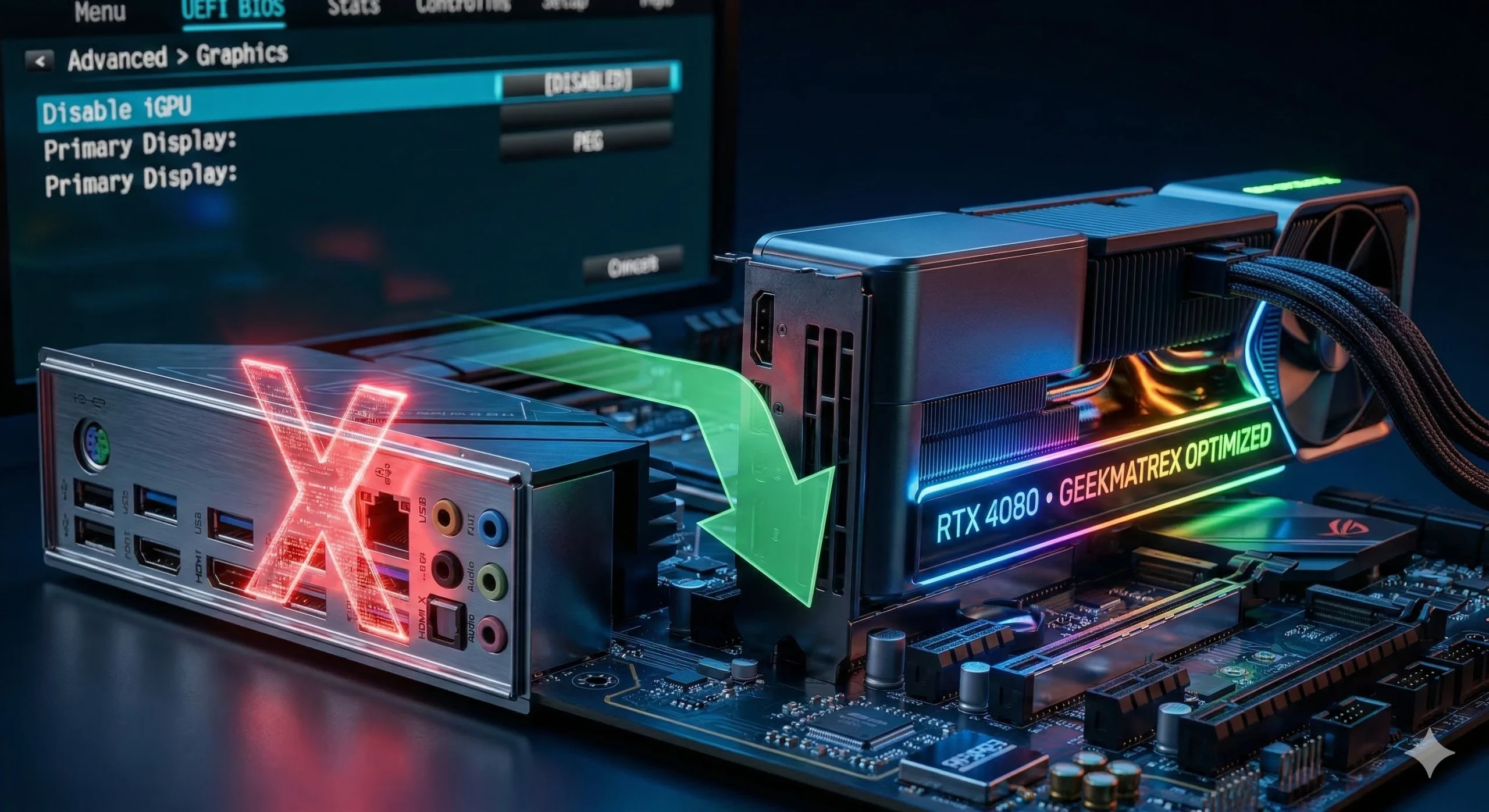
How to Disable Integrated Graphics in BIOS (Free Up RAM & Fix Stutters)
Disable integrated graphics in BIOS: You finally did it. You saved up, bought a massive dedicated graphics card (dGPU), and slotted it right into your motherboard. You boot up your PC, launch your favorite game, and… it runs terribly. You open Task Manager and notice two things: Windows is listing two different GPUs, and mysteriously,